How to Send a Professional Invoice From Your Phone
The work is done, the client is happy, and the invoice is still sitting on your to-do list.
If you and your client haven’t agreed on a payment date, they have 30 days to pay from when they get your invoice, so every day it stays on that list adds a day to your wait.
Or you could send it from your phone today.
A professional invoice needs three things: the details UK rules ask for, payment information your client can use straight away, and a copy you can find again later.
If you’re learning how to make an invoice, start with the details that are required, because they stay the same whichever app or template you use.
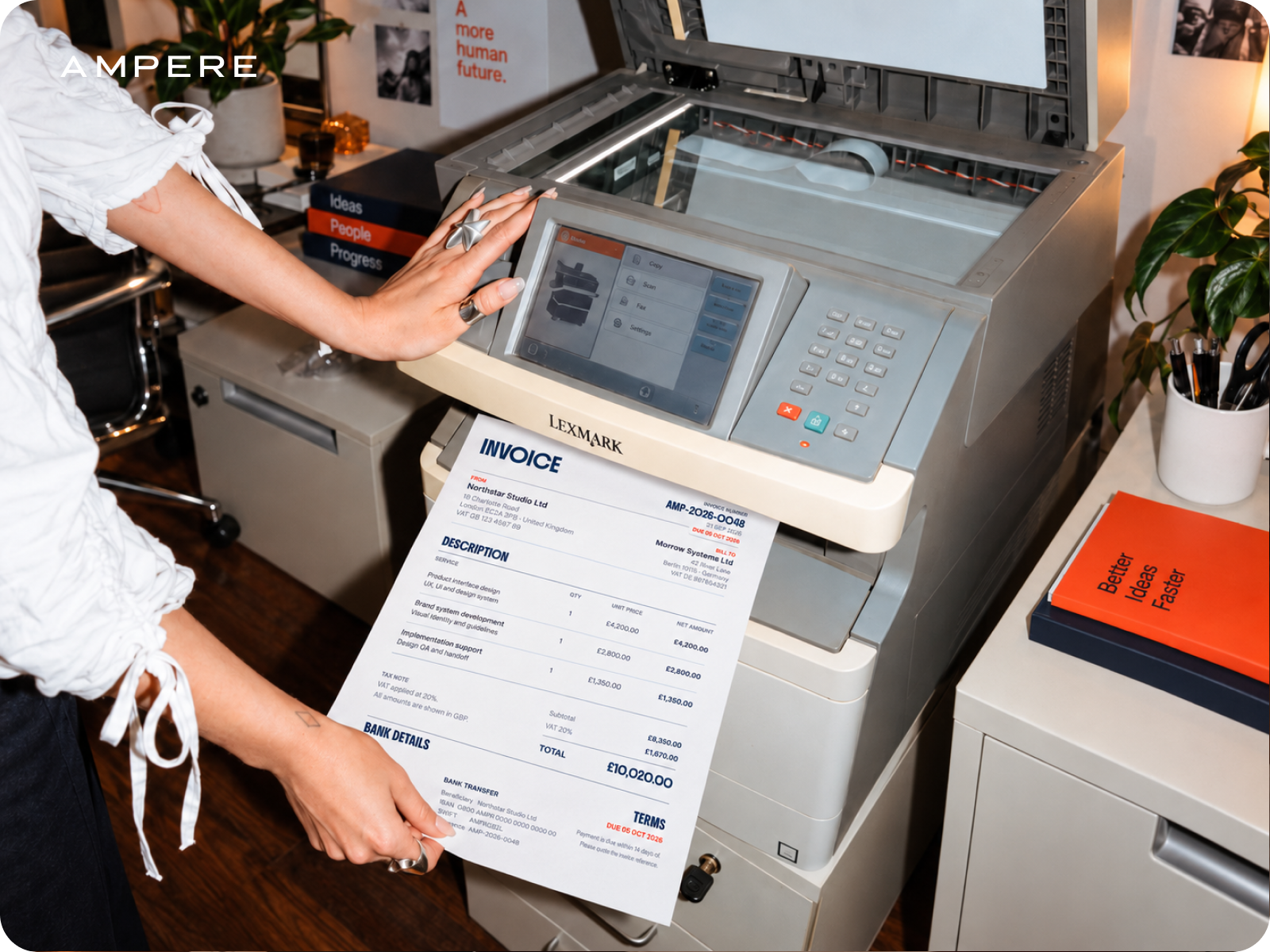
For a UK company, the invoice must show:
- a unique invoice number
- your company name, address and contact details
- your customer’s company name and address
- a clear description of what you’re charging for
- the date you supplied the goods or service
- the date of the invoice
- the amounts you’re charging, plus VAT if it applies
- the total amount owed
Limited companies have two extra rules.
First, the company name has to match your certificate of incorporation, so if you’re registered as Smith Design Studio Ltd, that full name goes on the invoice.
Second, directors’ names are optional, but if you add one, you add them all.
If you and your customer are both VAT registered, you’ll send a VAT invoice, which adds a few details such as your VAT registration number and the VAT shown separately from the price.
Details that make it look professional
Everything past the required list is up to you, and a few small choices make your invoice much easier to approve and pay.
The description. “Consulting, as discussed” makes sense to you today and to nobody three months from now, including whoever approves invoices at your client’s company. One short line on what you did and when, plus their purchase order number if they gave you one, saves an email or two.
Write the due date as a calendar date next to your payment terms. “Due in 30 days” leaves your client counting from whichever date suits them.
Keep the numbering neat. A simple sequence like INV-001, INV-002 keeps every invoice unique and makes the right one easy to find when a client asks about it months later.
Add your logo if you have one and keep the layout plain. Send it as a PDF, and it looks the same on your client’s screen as it does on yours.
You can make invoices on your phone in three ways: a document template you fill in each time, a separate invoicing app, or a business account with invoicing built in.
Templates are fine for the occasional invoice, but they get awkward on a small screen and every total is yours to check.
Any invoice app UK businesses use should cover the basics: save client details so you type them once, number invoices in order, add up totals and VAT, and turn the result into a PDF you can send by email or message.
The catch with a separate app is that the invoice lives in one place and the payment shows up in another.
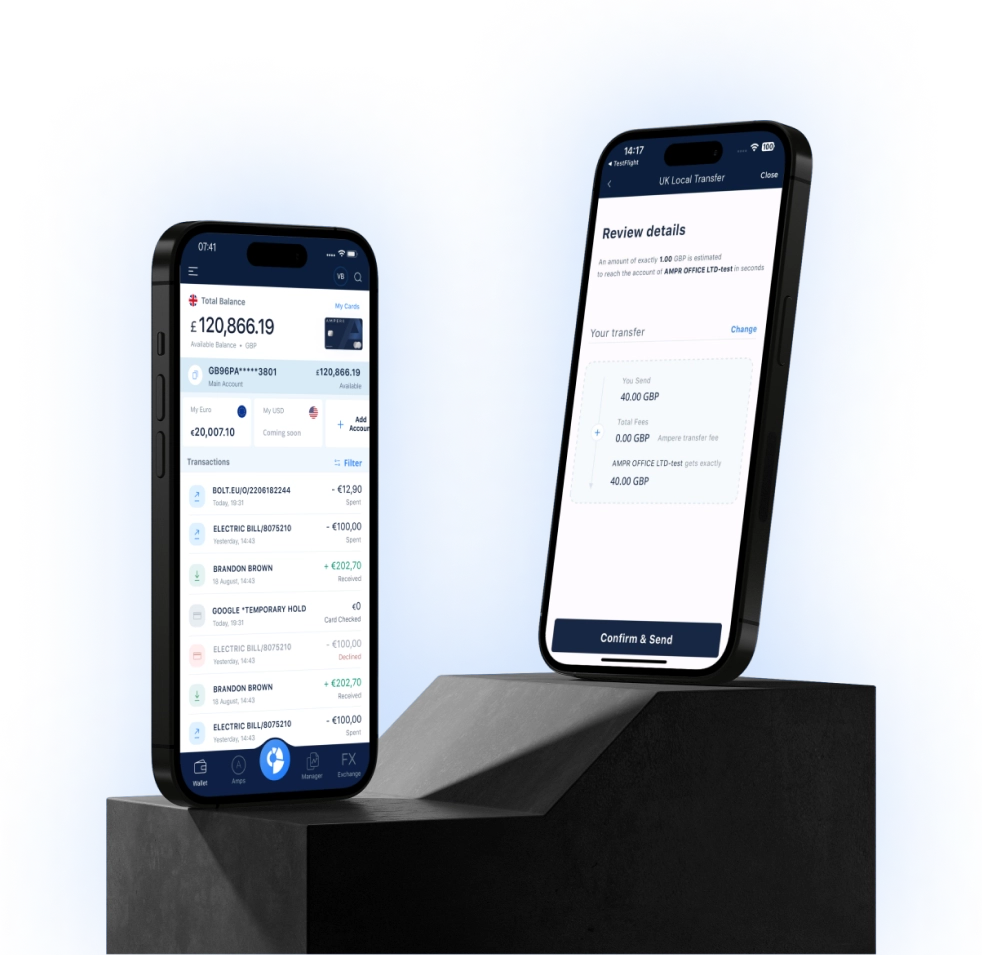
Once your Ampere business account is approved, invoicing is built in, so you can create and send professional invoices on the go from the app.
Put your Ampere account details on the invoice, and your client’s payment lands in the account you invoiced from, where you can see it arrive in the app. Send your first invoice with Ampere
Whichever tool you use, the steps look alike. Add the client, describe the work, check the totals, preview the invoice, then send it.
Getting paid
Your client will copy your payment details into their own system, so make them easy to read.
UK clients need your account name, sort code and account number, and clients in Europe need your EUR IBAN.
Ask every client to use the invoice number as the payment reference, so you can tell which invoice each payment is for.
If more of your clients start asking to pay by card, Ampere’s merchant account lets you accept Visa and Mastercard payments on your website. It needs its own merchant review, and the pricing is a custom quote.
When a payment runs late, a polite reminder with the invoice attached is the usual first step. You also have the right to charge interest on late payments from business customers.
Once an invoice is out, it becomes part of your company records.
Limited companies have to keep records of money received, invoices included, for 6 years from the end of the last financial year they relate to, and longer in some cases.
If you spot a mistake after sending, leave the original alone. Send a credit note to cancel it, then a corrected invoice with a new number, so your sequence stays complete.